Tidio vs. HubSpot vs. Crisp for Small Business
Compare Tidio, HubSpot and Crisp for website chat and customer support. See free-plan limits, AI requirements and five practical tests before choosing.
In this guide
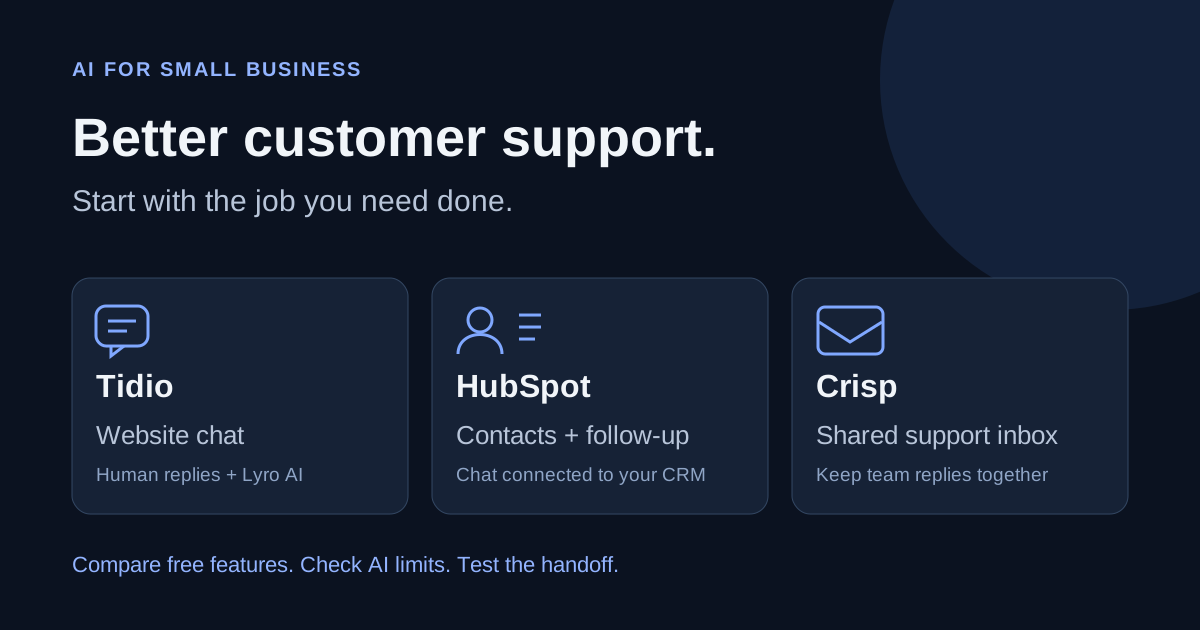
Choose Tidio for website chat and a focused AI support setup. Choose HubSpot when enquiries need to become customer records and follow-up tasks. Choose Crisp when a small team needs one place to handle support conversations.
If you rarely receive website enquiries, a clear contact form may be enough. Add chat when you have recurring questions, reliable answers and someone who can follow up.
Affiliate disclosure: Our Tidio and HubSpot links may earn us a commission if you purchase. Crisp is linked directly. The recommendations below depend on the job you need done.
The quick comparison
Swipe the table sideways to see all columns.
| Tool | Best starting point | What you can start with for free | Main thing to check |
|---|---|---|---|
| Tidio | Answering questions on a small-business website | Website chat with 50 human billable conversations per month; an initial 50 Lyro AI conversations | Human chat, AI replies and Flows have separate allowances |
| HubSpot | Keeping chat, contact records and sales follow-up together | Live chat and a chatbot builder connected to its CRM | Free chat does not include its full AI customer agent |
| Crisp | Sharing support work between a few people | Website chat with two seats and no AI credits | Shared email and broader automation require paid plans |
My first choice for a new website: try human chat before automated answers. Learn what visitors actually ask. Then compare the AI feature that would handle those questions, rather than buying a large bundle immediately.
Choose Tidio for a focused website chat setup
Tidio combines human live chat, a support inbox, Lyro AI answers and Flows. Flows follow rules you build, such as asking which service a visitor needs. Lyro uses your added business knowledge to answer questions.
That distinction matters. A greeting followed by three buttons is a useful chatbot, but it does a different job from an AI assistant answering a question in the visitor's own words.
Tidio suits a shop or service business that wants to start with questions such as delivery times, opening hours or how to request a quote. Keep answers tied to your actual policies, with a clear route to a person.
The free plan's first 50 Lyro conversations are a lifetime allowance. They do not renew every month. A recurring AI allowance requires a paid Lyro quota; upgrading human chat alone is a separate decision.
Choose it when: website questions are the main problem, and you want a relatively focused chat setup. Look elsewhere when: the bigger problem is managing a sales pipeline or combining a team's email support with other channels.
Start with our Tidio pricing comparison, then use the Tidio setup guide to prepare answers and test handoff. Explore Tidio through our affiliate link.
Choose HubSpot when every enquiry needs follow-up
HubSpot's free live chat connects conversations to its CRM, which stores customer details and interactions. Its chatbot builder can help collect information, qualify an enquiry or guide someone toward a meeting.
For a consultant or repair business, the useful outcome may be a contact record, a note about the request and a task assigned to the right person. A clever reply is less valuable if the enquiry is then forgotten.
Choose HubSpot when you already use its CRM, or when remembering leads and tracking follow-up is the main reason to add chat. Starting with one contact process is easier to manage than configuring every HubSpot product.
Its AI customer agent is a separate feature. HubSpot currently requires a Professional or Enterprise subscription for access, and the agent runs on HubSpot Credits. Free live chat should not be treated as free AI customer support.
Choose it when: chat needs to connect with contacts and sales follow-up. Look elsewhere when: you want a small standalone chat tool and have no need for a broader customer-management system.
Our HubSpot setup guide starts with contact records and a simple follow-up process. Explore HubSpot through our affiliate link.
Choose Crisp for a shared support inbox
Crisp's free plan includes a website chat widget and two seats. That makes it worth considering when two people need to share replies. The free plan includes no AI credits, so begin with the human support workflow.
Shared email is included from Mini. The Essentials plan adds features such as a knowledge base, workflow automation and its broader AI chatbot builder. Check the plan that includes the channels you actually use.
Crisp lists Mini at $45 and Essentials at $95 per workspace per month. Those plans include four and ten seats respectively. Compare that billing structure with the complete package you would need from another provider.
Paid plans include different AI credit allowances. Crisp's estimated automated-conversation counts are approximations, so use your own question mix to assess consumption before relying on them for a budget.
Choose it when: several people need to share support conversations, particularly as email and other channels become important. Look elsewhere when: you mainly need CRM sales stages or only want to automate a few website questions.
Check Crisp's official plans and confirm which inbox, knowledge-base and AI features are included. We do not have a Crisp affiliate link in this comparison.
Test the same five situations before choosing
Use a practice page and fictional customer details. Give each candidate the same approved answers. Keep the trial focused on the work your business needs, so attractive demos do not decide the outcome for you.
Swipe the table sideways to see all columns.
| Test | What a useful result looks like |
|---|---|
| A common question: “When are you open?” | Gives the exact published hours |
| A missing fact: “Can you deliver tomorrow?” | Explains what needs checking and passes the request to a person |
| A sensitive request: “Approve my refund” | Follows your escalation process without inventing an approval |
| A request for a person | Shows a working handoff or a clear way to leave a message |
| A message outside working hours | Sets an honest expectation and saves the enquiry for follow-up |
For example, a fictional repair shop might accept a request for a dishwasher inspection. The assistant can explain how to request an appointment. It should not promise an available time until a real booking system confirms it.
Check the phone layout as well. The chat launcher should not cover a checkout button, contact form or other important action. Make sure the person receiving the enquiry can find it and respond.
Record wrong answers, successful handoffs and the time needed to maintain the answers. A provider's advertised automation rate cannot tell you how well it will handle your particular questions.
Work out the whole cost
Compare the subscription, staff seats, AI usage and any separately billed channels. Include the time needed to prepare answers, review mistakes and update policies. Our AI cost calculator helps you include that work.
Free chat is a useful starting point when enquiry volume is small. It is not proof that a provider's AI, shared email, reporting or automation features will also be free.
If you already have a chatbot, improve its answers and handoff first. Switching platforms becomes worthwhile when a specific missing feature or repeated failure gives you a reason to change.
Your next step
Pick the tool that matches your main problem. Prepare ten real questions customers commonly ask, add checked answers, and run the five tests above. Expand only when the replies and follow-up work reliably.
If you are still deciding what your website needs, start with our small-business website builder comparison. For other business tasks, use the free tool finder.
Sources and review notes
Official product information checked November 9, 2026:
- Tidio pricing, free quotas and Lyro allowances
- HubSpot free live chat and chatbot features
- HubSpot AI customer agent access and credit requirements
- Crisp pricing, seats, inbox features and AI credits
This is a comparison based on official documentation. Hands-on tests of these three platforms are still pending. Prices, limits and features can change; confirm the selected plan, billing period and taxes before purchasing.