Vapi Voice Receptionist: A Massage Therapist's Experience
A massage therapist estimates one to two hours saved daily with a Vapi voice receptionist. See the setup, reported benefits and checks for your business.
In this guide
- The problem: calls interrupted the work
- What I set up with Vapi and Make.com
- When the agent books and when she approves
- Getting the conversation to sound natural
- The result she reported
- Would a voice receptionist help your business?
- Check the costs against your own workload
- Compare the two parts of this setup
- Start with one repeated customer task
- Source and scope
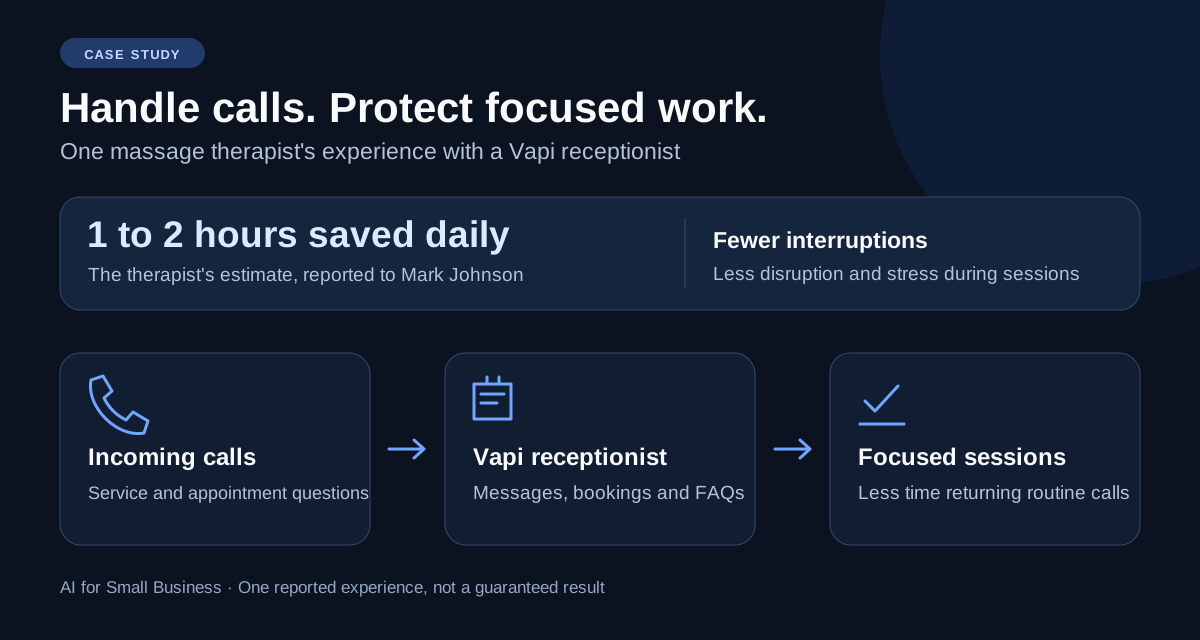
A massage therapist I work with estimates that her Vapi voice receptionist saves her around one to two hours every day. It takes messages, schedules appointments and answers common questions about her services and pricing.
The bigger benefit for her was fewer interruptions during a massage session. Answering calls broke her concentration and added stress while she was working with a customer.
I set up this receptionist using Vapi and Make.com. She reports that it answers two to five calls a day. The daily time saving is her estimate, rather than a figure from a call log or timed study. Her identity is kept private.
Affiliate disclosure: I have a Vapi affiliate account. If you buy through the Vapi link in this article, I may earn a commission. The experience below comes from a real setup; the daily time saving is her own estimate.
The problem: calls interrupted the work
For this therapist, incoming calls competed with the work customers were paying for. Returning calls also took time away from other tasks. She needed a way to handle routine enquiries without answering every call herself.
The goal was specific: take messages, handle appointment scheduling and answer frequently asked questions about services and prices.
What I set up with Vapi and Make.com
Vapi handles the phone conversation. Make.com connects that conversation to the calendar, checks the booking rules and sends notifications. She now lets the agent handle her incoming calls.
Swipe the table sideways to see all columns.
| Caller needs | What the receptionist handles |
|---|---|
| Leave a message | Takes the caller's message |
| Arrange an appointment | Checks availability through Make and follows the booking rules |
| Ask about a service | Answers common service questions |
| Ask about pricing | Answers pricing questions using the business information provided |
For appointment requests, Vapi sends the information to Make through a webhook. A webhook is a message that passes information from one tool to another so the next step can run.
Swipe the table sideways to see all columns.
| Step | What happens in this setup |
|---|---|
| 1. Collect the request | Vapi takes the call and gathers the information needed |
| 2. Check the calendar | Make checks availability against the booking rules and returns available times |
| 3. Return the decision | Vapi passes the booking decision back to Make |
| 4. Confirm the booking | Make confirms that the booking has been committed |
| 5. Send notifications | Make sends the relevant text messages or emails |
The conversation and the calendar work together. The following rules decide whether the appointment can be booked automatically or needs the therapist's approval.
When the agent books and when she approves
The agent can book when the calendar shows the requested time as available and the appointment leaves at least 15 minutes between sessions.
If a request falls outside the calendar's availability, or would leave less than 15 minutes between appointments, the therapist receives a text asking for her approval.
The caller is told that they will receive a text once she has had time to review the request. This gives her control over exceptions while allowing routine bookings to proceed.
Swipe the table sideways to see all columns.
| Booking request | What happens |
|---|---|
| Available time with at least a 15-minute gap | The agent books it |
| Time outside the calendar's availability | A text asks the therapist to approve the request |
| Less than 15 minutes between appointments | A text asks the therapist to approve the request |
For another appointment-based business, the gap might be different. Write down the time you need between customers and the situations that require your approval before connecting the booking process.
Getting the conversation to sound natural
When I started, I kept changing the AI model if the receptionist did not sound lifelike enough to me. I was overlooking other settings that shape the conversation.
I began adjusting the transcriber, which turns speech into text, along with the voice, speaking speed, pauses and other timing settings. After experimenting, I found a couple of combinations that sounded lifelike to me.
My lesson was to consider these settings together when tuning the conversation. Changing the model alone did not resolve what I was hearing.
This article does not name the exact combinations or report measured response times. The comments about natural speech reflect my own listening experience.
The result she reported
She estimated a saving of around one to two hours every day. She tells me she loves the setup and uses it to handle incoming calls instead of repeatedly stopping what she is doing or returning routine calls later.
She reports two to five calls a day. That call count and her time estimate have not been checked against logs. They describe her experience and should not be used to calculate a guaranteed saving per call.
For her, lost concentration and the stress of interruptions during sessions were especially painful. The value was time to stay focused on the customer as well as fewer hours spent handling calls.
Swipe the table sideways to see all columns.
| Outcome | What we know |
|---|---|
| Calls handled | The therapist reports two to five per day |
| Daily time saved | The therapist estimates around one to two hours |
| Interruptions | She reports fewer call interruptions during sessions |
| Owner's reaction | She tells me she loves the setup |
| Cash savings or extra sales | Not measured in the information supplied |
| Caller satisfaction and booking accuracy | Not independently measured for this case study |
These results come from one business owner's account. Use them as a reason to test your own workflow, rather than an expected saving for every Vapi user.
Would a voice receptionist help your business?
Look for repeated calls with clear answers: opening hours, services, prices or appointment requests. A voice receptionist is worth considering when these calls regularly interrupt work or leave you with a backlog to return.
Write down what callers actually need before choosing a tool. If the answer depends on judgment or an unusual situation, give them a clear way to reach a person. A simple message-taking flow may be enough for a first version.
Use the following checks as a test plan for your own setup. They are recommendations, not additional tests performed on the therapist's receptionist.
- Ask about a real service and its current price. Check the answer against your own information.
- Leave a made-up test message and verify that it reaches the person responsible for replying.
- Try an available appointment, an unavailable one and a request that leaves too little time between appointments. Check the calendar, confirmation and approval message rather than relying on what the agent says.
- Ask an unusual question. Confirm that the agent can take a message or direct the caller to a person.
- Track time spent returning calls before and after a small trial. Count the time you spend reviewing and fixing the agent too.
For appointments, test changes and cancellations separately before offering them. Keep your first version focused on functions you can verify.
Check the costs against your own workload
This case study does not include the therapist's bill, so it cannot show her financial return. Compare your actual subscription, calling, phone-number and setup charges with the time your own business saves.
Include charges for the connected tools, such as Make, in that comparison. Our Make vs. Zapier guide explains what to consider when choosing a tool to connect your business tasks.
Our Vapi setup and testing guide explains what to check before connecting a business number.
Use the free AI cost calculator with your own figures.
Read the Vapi tool profile or explore Vapi if this fits your call-handling problem.
Confirm current features and charges with the provider before committing.
Compare the two parts of this setup
Vapi handles the spoken conversation. Make connects the request to the calendar and notifications. You need to evaluate both parts of that workflow, including what happens when a request needs a person.
Swipe the table sideways to see all columns.
| Part | Role in this case | Read next |
|---|---|---|
| Vapi | Takes the call and gathers the request | Vapi setup and testing guide |
| Make.com | Checks the calendar rules, confirms the booking and sends notifications | Make.com tool profile |
| Owner approval | Handles requests outside availability or with less than a 15-minute gap | The booking-rule examples above |
If your job needs several connected steps, explore Make.com after reviewing its profile. This is an affiliate link; we may earn a commission at no extra cost to you.
The table describes my existing webhook setup. A working receptionist also needs your own business facts, connected accounts and tested rules for calendar changes and notifications.
Prefer email for enquiries? Our email automation guide gives a smaller receipt-and-follow-up starting point. Choose the channel your customers already use.
Start with one repeated customer task
The lesson from this experience is to begin with a clear problem. For this therapist, it was handling calls while protecting her concentration during sessions. The reported saving came from that specific workflow.
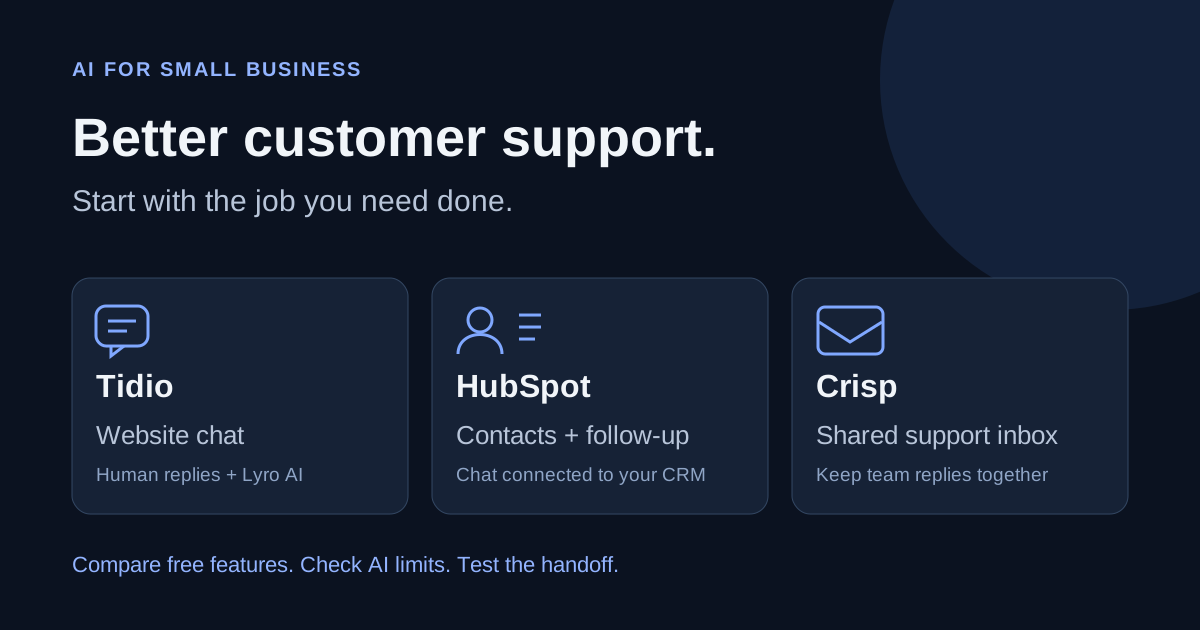
If most enquiries arrive on your website rather than by phone, compare Tidio, HubSpot and Crisp. Choose the channel your customers already use.
For a broader plan, read how a small team can use AI. Pick one task, test it, and improve the process before adding another tool.
Source and scope
Source: my direct experience setting up this Vapi and Make receptionist and the therapist's feedback. Additional details about call volume, booking rules and voice settings were recorded on November 14 and 15, 2026.
The daily call count and time estimate are attributed to her. This is a reported client experience, not an independent product benchmark. We have not reviewed call recordings, calendar records or invoices for this article.
The workflow description explains the setup without naming the calendar or messaging provider. The test plan above helps readers assess their own setup.